
Legal infographics for lawyers are visual communication tools that transform dense legal information into visuals that clients, judges, and jurors can understand more quickly. Legal infographics combine concise text with charts, timelines, process diagrams, comparison layouts, icons, maps, and other visual structures rather than forcing an audience to interpret long blocks of legal prose.
Statistical legal infographics convert raw figures, verdict data, accident statistics, filing trends, survey findings, or case metrics into charts and numerical callouts. Process infographics create visual roadmaps for procedures such as filing a personal injury claim, responding to a DUI arrest, completing probate, hiring a lawyer, or progressing through litigation. Comparison infographics place legal options side by side, such as mediation versus litigation, Chapter 7 versus Chapter 13 bankruptcy, or wills versus trusts. Timeline infographics arrange events chronologically to explain litigation stages, statutory deadlines, case histories, accidents, investigations, or trial events. Educational infographics simplify legal terminology, rights, responsibilities, documents, and legal concepts for nonlawyers.
Law firms use these visual formats for client education by simplifying procedures that otherwise require several paragraphs of explanation. Law firms use infographics for marketing and branding by presenting practice areas, original research, attorney insights, case information, and educational resources in visually recognizable formats suitable for websites, presentations, email, and social media. Lawyers also use visual timelines, evidence maps, damages charts, and process graphics during negotiations, mediations, hearings, and trials where visual presentation helps organize complex information for decision-makers.
Scientific research supports the comprehension value of legal visualization. A study by Hannah Errickson, Joanna Fawcett, Tim Thompson, and Anna Campbell from the Cranfield Forensic Institute, titled “The effect of different imaging techniques for the visualisation of evidence in court on jury comprehension” in 2020, tested 91 mock jurors and found that 79% understood technical language when evidence was presented with photographs, compared with 88% using 3D visualizations and 94% using 3D-printed models. The researchers also found a statistically significant relationship between visual clarity and understanding of technical language at p ≤ 0.001.
Lawyers do not need advanced graphic-design software for every visual. Canva currently provides customizable law-related templates, Piktochart provides editable statistical, comparison, timeline, and process layouts, Easelly provides infographic templates and chart tools, and HubSpot maintains downloadable PowerPoint infographic templates.
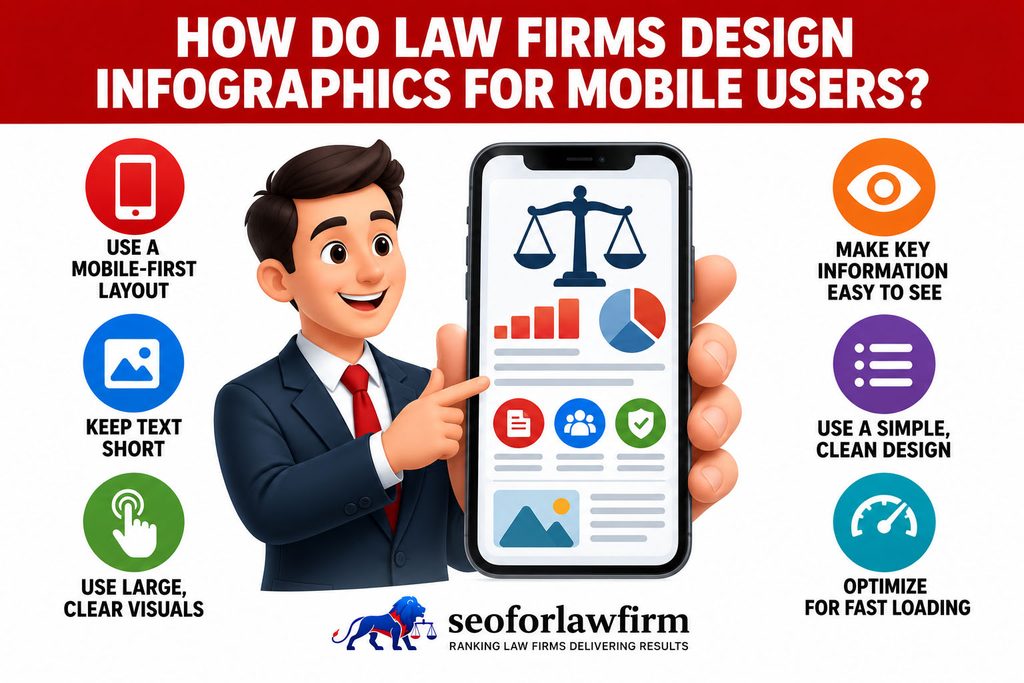
Legal infographics work best when the legal information remains accurate, the visual format matches the information being explained, the design remains readable on mobile devices, and every factual or statistical claim can be traced to a reliable source.
SEOForLawFirm helps law firms use legal infographics to improve content visibility, simplify legal topics, and strengthen SEO performance. Contact SEOForLawFirm for legal infographic strategy and AI-powered semantic SEO support. SEOForLawFirm connects infographic topics, visual content design, search intent, and content distribution with stronger rankings and more qualified legal leads.
What Are Legal Infographics?
Legal infographics are visual representations of legal information that use text, charts, icons, and illustrations to explain complex legal material more clearly. Legal infographics can present legal procedures, case timelines, client rights, filing deadlines, required documents, available legal options, statistical evidence, liability relationships, damages, court processes, state-specific rules, and attorney or law firm information. Legal infographics differ from decorative graphics because the visual structure itself communicates substantive information.
A courthouse image placed inside an article functions as a decorative legal illustration, while a diagram showing the 6 stages of a civil lawsuit functions as an infographic because the graphic communicates sequence and relationships. A 2021 study by Scott McLachlan and Lisa Webley identified 11 archetypal diagram types in legal visualization research, noting that concept-flow diagrams are the most frequently used format for representing legal processes. The researchers also concluded that visual representations can effectively support the recall and discussion of complex legal concepts.
What Are the Main Types of Legal Infographics?
The main types of legal infographics are statistical, process, comparison, timeline, and educational infographics. These formats match the most common ways lawyers need to communicate data, procedures, alternatives, chronology, and legal concepts.
Listed below are the 5 main types of legal infographics lawyers can use.
- Statistical infographics: Statistical infographics transform numerical legal information into charts, graphs, percentages, maps, and highlighted figures. A personal injury firm could visualize annual traffic fatalities, while an employment lawyer could display statistics on discrimination complaints.
- Process infographics: Process infographics explain sequential legal procedures. Suitable topics include filing a lawsuit, responding after an arrest, completing probate, making an insurance claim, or hiring an attorney.
- Comparison infographics: Comparison infographics show differences between legal choices, standards, documents, or procedures side by side. Examples include arbitration versus litigation, Chapter 7 versus Chapter 13 bankruptcy, or an LLC versus a corporation.
- Timeline infographics: Timeline infographics place events, deadlines, or litigation stages into chronological order. Lawyers can use timelines for case histories, statutes of limitation, discovery, trial preparation, or sequences of events supporting liability.
- Educational infographics: Educational infographics translate legal terminology, rules, rights, responsibilities, or checklists into plain-language visual explanations suitable for clients and prospective clients.
The table below shows which legal infographic format fits different types of legal information.
| Legal Infographic Type | Best Information Format | Example Legal Topic | Primary Audience |
| Statistical | Numbers, percentages, trends, comparisons | Annual car accident statistics | Clients, journalists, website visitors |
| Process | Sequential steps | What happens after a DUI arrest? | Clients and prospective clients |
| Comparison | 2 or more alternatives | Mediation vs. litigation | Clients evaluating options |
| Timeline | Chronological events or deadlines | Personal injury lawsuit timeline | Clients, mediators, jurors |
| Educational | Concepts, terminology, rights, checklists | Tenant rights after an eviction notice | General public and clients |
How Do Legal Infographics Help Clients Understand the Law?
Legal infographics help clients understand the law by converting abstract rules, relationships, categories, and decision points. A client facing a legal problem often needs to understand what happened, what happens next, which documents matter, which deadlines apply, and which decisions require attorney input. According to a meta-analysis by Daibao Guo, Shuai Zhang, Katherine Landau Wright, and Erin M. McTigue titled Do You Get the Picture? A Meta-Analysis of the Effect of Graphics on Reading Comprehension in 2020, 39 experimental studies involving 2,103 participants showed a moderate positive effect of graphics on reading comprehension, with Hedges’s g = 0.39. Process diagrams, timelines, comparison visuals, and document checklists can therefore support comprehension when the visual directly reinforces the legal explanation.
Legal visualization also supports broader access to legal information because clear visual structure can make complex rules easier for non-lawyers to interpret. Law firms can support these visuals with accurate law firm content writing that supplies the legal detail, jurisdictional context, exceptions, and sources that a compact infographic cannot contain alone.
Listed below are the 7 legal subjects that often benefit from client-education infographics.
- Filing procedures. Process visuals can show how a matter moves from consultation through filing, discovery, negotiation, and trial.
- Deadlines. Timelines can organize statutory, administrative, contractual, and procedural deadlines in chronological order.
- Documents. Checklists can identify the records a client needs to preserve, collect, or bring to a consultation.
- Rights. Visual summaries can explain legal rights during an arrest, employment dispute, accident, divorce, or other legal event.
- Responsibilities. Step-based graphics can explain the actions a client needs to complete during a legal process.
- Decision points. Comparison diagrams can show available legal options and the factors that affect each choice.
- Terminology. Visual definitions can translate legal vocabulary into plain-language explanations with contextual examples.
How Can Lawyers Use Legal Infographics for Client Education?
Lawyers can use legal infographics for client education by identifying one difficult legal question and converting its most important rules, steps, deadlines, or choices into a visual sequence.
Listed below are 8 client-education infographic examples for law firms.
- What happens after a car accident? Show evidence preservation, medical care, insurer contact, attorney consultation, investigation, negotiation, and litigation.
- What happens after a DUI arrest? Separate criminal proceedings from administrative license procedures.
- How does divorce work? Show petition filing, service, temporary orders, disclosure, negotiation, trial, and final judgment.
- What documents belong in an estate plan? Compare wills, trusts, powers of attorney, healthcare directives, and beneficiary designations.
- How does probate work? Show filing, executor appointment, asset inventory, creditor notices, claims, distributions, and estate closure.
- What evidence supports an employment claim? Organize emails, messages, policies, employment records, performance documents, witness information, and complaint records.
- What happens during bankruptcy? Show filing, automatic stay, trustee review, creditor meeting, required courses, and discharge stages.
- How does a personal injury lawsuit progress? Display investigation, demand, filing, discovery, expert review, mediation, trial, and resolution.
Each visual should identify the applicable jurisdiction where the procedure changes by state, federal district, county, or court.
How Can Law Firms Use Infographics for Marketing and Branding?
Law firms can use infographics for marketing and branding by turning proprietary legal knowledge, client education, statistics, and firm information into recognizable visual assets that reinforce the firm’s expertise and visual identity.
The Bar Association of San Francisco identifies client education, branding, business development, knowledge sharing, and promotion of pro bono work as practical uses for infographics within legal practice.
Listed below are 6 law firm marketing uses for legal infographics.
- Practice-area education: Explain the legal problems the firm handles.
- Original research: Visualize surveys, court data, accident records, regulatory data, or other independently analyzed information.
- Attorney thought leadership: Convert an attorney’s legal analysis into concise graphics.
- Case studies: Visualize a case timeline, challenge, legal strategy, and outcome when publication complies with confidentiality and advertising rules.
- Community education: Explain changing laws, public rights, deadlines, or public-interest legal topics.
- Brand recognition: Apply consistent typography, logo use, visual style, and design conventions across educational materials.
Visual consistency works most effectively when it forms part of a wider law firm branding strategy rather than applying random templates to individual graphics.
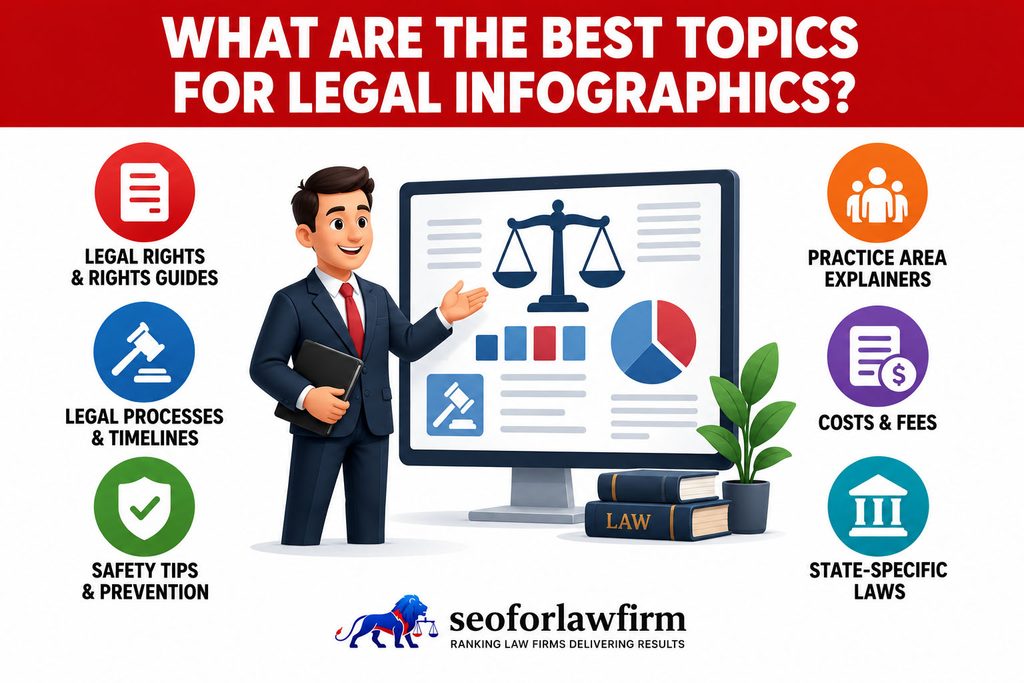
What Are the Best Topics for Legal Infographics?
The best topics for legal infographics are legal subjects containing a clear process, comparison, hierarchy, or decision structure that becomes easier to understand visually.
Listed below are 15 legal infographic topics law firms can develop.
- Steps after a car accident.
- Personal injury lawsuit timeline.
- Evidence to preserve after an accident.
- What happens after a DUI arrest?.
- Miranda rights explained.
- Divorce process timeline.
- Child custody factors.
- Mediation vs. litigation.
- Chapter 7 vs. Chapter 13 bankruptcy.
- Probate process timeline.
- Will vs. trust comparison.
- Estate planning document checklist.
- Workplace discrimination evidence checklist.
- Immigration process timeline.
- Steps for hiring an attorney.
Infographics can also support detailed practice area pages for lawyers when the graphic explains a process already covered by the page rather than substituting for the legal content.
What Makes a Legal Infographic Effective?
An effective legal infographic communicates one principal idea accurately, uses a visual structure suited to the information, and lets the reader understand the hierarchy without first reading a long explanation.
Listed below are the 8 qualities of an effective legal infographic.
- Single informational purpose: Focus the graphic on one question, process, comparison, dataset, or timeline.
- Legal accuracy: Verify every legal rule, deadline, definition, statistic, and jurisdiction before publication.
- Visual hierarchy: Make the title, primary answer, major stages, and supporting detail distinguishable by size and placement.
- Plain language: Replace unnecessary legal jargon with language the intended audience understands.
- Source transparency: Identify the source and date for external data.
- Readable typography: Use type sizes and line lengths suitable for the final device or presentation environment.
- Accessible contrast: Maintain sufficient visual distinction between text, icons, backgrounds, and data.
- Brand consistency: Apply the firm’s approved visual identity without allowing branding to overpower the information.
Professional appearance alone does not make an infographic useful. The visual needs to reveal a relationship that becomes harder to understand when presented as prose.
How Should Lawyers Design Statistical Infographics?
Lawyers should design statistical infographics by selecting legally relevant measurements and matching each measurement with an accurate numerical or chart format. Each infographic needs to identify the legal question, use a traceable dataset, define the population, jurisdiction, and time period, and label the units and comparison periods clearly.
A statistic such as “40% of cases settled” provides limited context unless the visual identifies the dataset and timeframe, such as “40% of the 500 civil cases included in the 2025 county dataset settled before trial.” Law firms also need to distinguish firm-specific results from broader industry statistics because previous case outcomes do not predict future results.
Listed below are the 6 steps lawyers should follow when creating statistical legal infographics.
- Identify the legal question. The infographic should show what legal issue or client question the data answers.
- Use a traceable dataset. The data should come from a primary source or a reliable secondary source that readers can verify.
- Define the population, jurisdiction, and time period. These details establish who or what the statistic represents and where the data applies.
- Select the correct chart type. The visual format should accurately represent percentages, trends, comparisons, distributions, or other measurements.
- Label units and comparison periods. Clear labels show what each number measures and which periods or groups are being compared.
- State data limitations. The infographic should explain when the dataset does not represent every client, case, jurisdiction, or legal outcome.
How Should Lawyers Design Process Infographics?
Lawyers should design process infographics by arranging each legal stage in its actual sequence and showing where deadlines, decisions, branches, or attorney actions change the process. A straight sequence works for predictable workflows such as Consultation → Investigation → Demand → Negotiation → Filing → Discovery → Trial, while a branching flowchart works when different answers produce different legal paths.
For example, a settlement decision can divide the process into Settlement Reached → Resolution or No Settlement → Litigation. Process graphics need to preserve the actual relationship between legal stages rather than simplifying the procedure so far that the visual becomes inaccurate.
Listed below are the 7 main elements lawyers should include in process infographics.
- Starting point. Identify the event or action that begins the legal process.
- Legal stages. Arrange each procedural stage in the correct order.
- Deadlines. Show statutory, court, contractual, or administrative deadlines where they affect the process.
- Decision points. Identify questions or choices that determine what happens next.
- Process branches. Use separate paths when different decisions or outcomes change the procedure.
- Attorney actions. Show where legal counsel investigates, files documents, negotiates, advises, or represents the client.
- End points. Identify possible outcomes such as settlement, dismissal, judgment, appeal, or another resolution.
How Should Lawyers Design Comparison Infographics?
Lawyers should design comparison infographics by applying the same criteria to each legal option so readers can evaluate the differences without visual bias. A mediation-versus-litigation infographic, for example, should compare both options across equivalent factors rather than selecting favorable criteria for one side.
Typography, spacing, icons, and visual weight should also remain balanced unless the legal analysis supports a meaningful distinction. The infographic should explain differences without implying that one option is universally better when the correct choice depends on the facts, jurisdiction, objectives, and legal circumstances.
Listed below are the 10 comparison criteria lawyers can use for a mediation-versus-litigation infographic.
- Decision-maker. Show who controls or determines the outcome under each process.
- Privacy. Explain whether proceedings and records are private or potentially public.
- Procedure. Compare the formality and procedural structure of each option.
- Scheduling. Show how scheduling and timing differ between the processes.
- Discovery. Explain whether and how formal evidence-gathering occurs.
- Cost structure. Compare the types of expenses associated with each option without making unsupported cost promises.
- Appeal rights. Explain whether and how a decision can be challenged.
- Enforceability. Show how agreements or judgments become legally enforceable.
- Attorney involvement. Explain the lawyer’s role within each process.
- Typical next step. Show what normally follows each process or outcome.
How Should Lawyers Design Timeline Infographics?
Lawyers should design timeline infographics by arranging legally meaningful events in chronological order and distinguishing fixed deadlines from estimated procedural periods. Timelines work well when clients need to understand how events, filings, treatment, hearings, negotiations, or statutory periods relate to one another over time.
Exact dates should appear when the dates are known, while estimated periods should be clearly labeled as estimates rather than presented as guaranteed deadlines. Each event also needs enough context to explain why the date or period matters to the legal issue.
Listed below are the 10 legal subjects that commonly work well in timeline infographics.
- Accident chronology. Show the sequence from the accident through treatment, insurance activity, investigation, and legal action.
- Employment retaliation history. Arrange workplace events, complaints, disciplinary actions, and termination dates chronologically.
- Contract performance. Display contractual obligations, performance dates, breaches, notices, and remedies in sequence.
- Medical treatment. Show treatment dates, diagnoses, procedures, and recovery milestones relevant to a claim.
- Discovery. Organize requests, responses, depositions, disclosures, and related litigation deadlines.
- Criminal proceedings. Display arrest, arraignment, hearings, motions, trial, and sentencing stages where applicable.
- Probate. Show filing, notice, inventory, creditor, distribution, and estate-closing stages.
- Divorce. Organize filing, service, temporary orders, discovery, negotiation, and final resolution.
- Statutory deadlines. Display legally fixed filing or notice deadlines with the applicable jurisdiction and rule.
- Case preparation. Show the sequence of evidence gathering, expert review, negotiation, filing, and trial preparation.
Which Tools Can Lawyers Use to Create Legal Infographics?
Lawyers can create legal infographics with Canva, Piktochart, Easelly, or HubSpot PowerPoint templates depending on the information type and level of design control required. Canva works well for educational posts, timelines, presentations, and social graphics because it offers a broad library of editable law and business templates. Piktochart suits statistical reports, comparisons, process diagrams, and timelines because it focuses on data visualization and infographic layouts.
Easelly supports simpler charts, process visuals, pictograms, and printable graphics, while HubSpot provides editable PowerPoint-based templates for timelines, comparisons, process diagrams, and presentation graphics. The design tool does not determine legal accuracy, so an attorney or qualified reviewer still needs to verify the legal substance before publication.
The table below compares 4 accessible infographic tools law firms can use:
| Tool | Useful Legal Infographic Tasks | Main Strength |
| Canva | Educational posts, timelines, presentations, social graphics | Large library of editable law and business templates |
| Piktochart | Statistical reports, comparisons, process diagrams, timelines | Data visualization and infographic-focused layouts |
| Easelly | Basic charts, process visuals, printable graphics | Simple visual editor and infographic templates |
| HubSpot PowerPoint Templates | Timelines, comparisons, process diagrams, presentation graphics | Editable PowerPoint-based infographic templates |
How Can Legal Infographics Be Optimized for SEO?
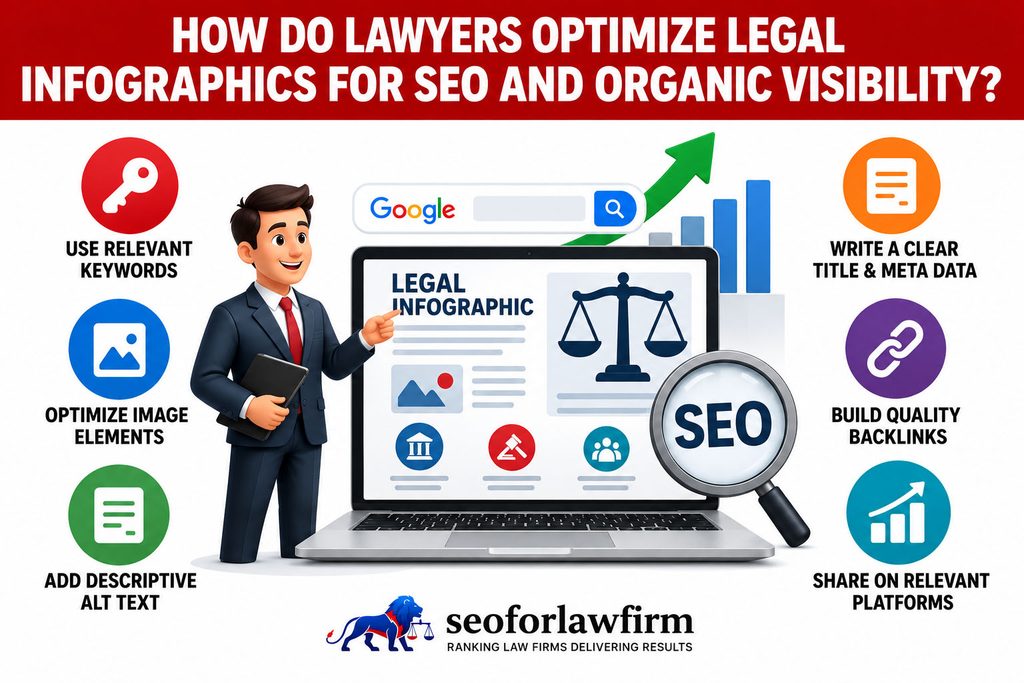
Legal infographics can be optimized for SEO by placing useful original images on indexable pages, maintaining fast image delivery, and connecting the page through internal links. A structured internal linking strategy for law firms helps connect infographic landing pages with the legal topics they support.
Google states that it determines an image’s subject partly from the surrounding page content, captions, image titles, filenames, alt text, and computer-vision systems. Google recommends placing images near relevant text on pages that match the image subject.
Listed below are the 9 SEO practices lawyers should use for legal infographics.
- Use a descriptive filename: A filename such as texas-personal-injury-lawsuit-timeline.webp gives more context than IMG00384.png.
- Write descriptive alt text: Describe the information communicated by the graphic instead of stuffing keywords.
- Place the infographic near relevant text: The surrounding page should explain the same legal subject represented visually.
- Publish a text equivalent: Important information contained inside the image should also exist in accessible HTML when users need that information without the graphic.
- Use responsive image delivery: Serve dimensions appropriate to mobile and desktop screens.
- Compress the file: Keep visual quality while reducing unnecessary image weight.
- Keep the landing page indexable: Google needs access to the page and image before the visual can appear in search.
- Use contextual internal links: Connect the infographic page with relevant practice areas, legal guides, and supporting resources.
- Add image metadata where relevant: Google supports image metadata describing creator, credit, copyright, and licensing information.
Google describes filenames as a light clue about image subject and identifies alt text as the more important descriptive attribute. Google also warns against stuffing alt attributes with keywords.
How Should Alt Text Be Written for Legal Infographics?
Alt text for legal infographics should describe the image’s purpose and meaningful information without repeating every word inside the graphic. Strong alt text identifies the subject, legal context, and main visual relationship in concise language. For example, “Infographic showing 6 stages of a Texas personal injury lawsuit from investigation through trial” gives users and search systems more useful context than keyword-heavy text such as “legal infographic lawyer SEO infographic legal lawyer personal injury attorney.” Complex infographics often need a nearby HTML summary, caption, table, or transcript because concise alt text cannot communicate every data point or procedural detail. Alt text therefore supports accessibility and image interpretation, while surrounding page content supplies the full legal explanation.
Listed below are the main principles for writing legal infographic alt text:
- Describe the purpose. Explain what the infographic communicates rather than naming only the image type.
- Identify the legal subject. Mention the relevant practice area, procedure, jurisdiction, or legal issue.
- Summarize the main relationship. State the sequence, comparison, timeline, process, or data relationship shown.
- Avoid keyword stuffing. Repeated legal and SEO terms reduce clarity and do not create a useful image description.
- Keep the description concise. Alt text should communicate the most meaningful information without reproducing all visible copy.
- Support complex graphics with HTML content. Use nearby summaries, tables, captions, or transcripts when the visual contains information that cannot fit into concise alt text.
How Can Legal Infographics Earn Backlinks?
Legal infographics can earn backlinks when they provide useful, original, well-sourced information that publishers, journalists, educators, community organizations, or legal resources decide to cite or reproduce. A visual does not earn links simply because it is an infographic. Stronger backlink opportunities come from assets that contain original research, public-record analysis, current statistics, useful process explanations, hard-to-find local information, novel comparisons, or reusable educational material.
A visualization of original county accident data, for example, gives another publisher a stronger reason to cite the law firm than a generic “5 reasons to hire a lawyer” graphic. Law firms can also combine infographics with law firm case study marketing when the visual explains a genuine case process or outcome and publication complies with confidentiality and advertising requirements.
Listed below are the 8 infographic qualities that can support backlink acquisition.
- Original research. Proprietary studies and surveys give external publishers unique information to reference.
- Public-record analysis. Court, accident, regulatory, or government datasets can produce useful legal visualizations.
- Current statistics. Recent and clearly sourced data can support journalism, education, and legal commentary.
- Useful process explanations. Clear procedural visuals can become reference materials for audiences trying to understand legal processes.
- Hard-to-find local information. Local court, county, or jurisdiction-specific data can give the infographic stronger geographic relevance.
- Novel comparisons. Original comparisons give publishers a reason to cite the visual when explaining differences between legal options or outcomes.
- Reusable educational material. Well-structured educational graphics can be shared by schools, nonprofits, community organizations, or legal resources.
- Clearly sourced data. Visible and traceable sources increase credibility and make the infographic easier to cite responsibly.
How Should Lawyers Distribute Legal Infographics?
Lawyers should distribute legal infographics through the channels where the intended audience already encounters the associated legal question.
Listed below are the 7 distribution channels lawyers can use for legal infographics.
- Practice-area pages: Add process, timeline, comparison, or educational visuals beside detailed legal content.
- Blog articles: Use graphics to summarize research, procedures, statistics, or legal changes.
- Email newsletters: Include focused visuals that explain one new law, deadline, decision, or client issue.
- Social media: Repurpose key sections into platform-appropriate images for LinkedIn, Facebook, Instagram, or other relevant channels.
- Presentations and webinars: Use process diagrams, timelines, and data visualizations to support attorney explanations.
- Media outreach: Offer original statistical graphics or data visualizations alongside attorney commentary when relevant to a journalist’s story.
- Client materials: Use visual checklists or process guides before consultations, during representation, or as post-meeting summaries where appropriate.
A law firm choosing channels for visual distribution should match the graphic to the audience instead of publishing every visual everywhere. A review of the best social media platforms for lawyers helps distinguish professional referral audiences from consumer-facing legal audiences.
What Mistakes Should Lawyers Avoid in Legal Infographic Design?
Lawyers should avoid inaccurate data, text-heavy layouts, misleading visual comparisons, weak sourcing, and image files that perform poorly on mobile devices.
Listed below are the 8 legal infographic mistakes lawyers should avoid.
- Outdated legal information: Verify statutes, rules, procedures, deadlines, and data before publishing.
- Excessive text: Do not convert an article into a picture containing several paragraphs.
- Misleading charts: Keep scales, axes, percentages, and comparison criteria accurate.
- Missing jurisdiction: State the relevant state, federal jurisdiction, county, or court when the information changes geographically.
- Unsupported results: Do not imply that past case outcomes predict future results.
- Poor accessibility: Use readable type, sufficient contrast, alt text, and an HTML alternative for meaningful information.
- Oversized files: Compress visuals so the infographic does not create unnecessary mobile-performance problems.
- Unverified sources: Trace statistics and factual assertions to reliable sources before publication.
Infographic SEO also needs to avoid keyword-stuffed filenames, keyword-stuffed alt text, irrelevant embed campaigns, and manipulative link acquisition.
How Can Lawyers Make Legal Infographics Accessible?
Lawyers can make legal infographics accessible by ensuring that users who cannot perceive the image still receive the substantive information through text, structure, and accessible page design.
Listed below are the 6 accessibility practices lawyers should apply to legal infographics.
- Write meaningful alt text.
- Provide an HTML summary or transcript for complex graphics.
- Maintain sufficient color contrast.
- Avoid communicating a distinction through color alone.
- Use readable typography and sufficient spacing.
- Keep critical legal information outside the image as crawlable and selectable text.
Accessibility improves the usefulness of the content beyond SEO. It helps users relying on screen readers, magnification, low-bandwidth connections, or different display environments.
How Can Infographics Support Law Firm Content Strategy?
Infographics support law firm content strategy by turning useful legal information into reusable visual assets for educational pages, original research, social distribution, presentations, and outreach. A broader law firm content strategy can connect infographics with articles, videos, attorney commentary, original research, and internal links around the same practice-area entity.
The strongest process begins with the legal information or client question rather than the design. The firm identifies material that benefits from visual explanation and then selects a format such as a timeline, process diagram, comparison graphic, statistical chart, or checklist that matches the information.
Listed below are the 7 content opportunities law firms can use to develop infographics.
- Repeated client questions. Frequently asked legal questions can become visual explanations that support both client education and service pages.
- Pages requiring clearer explanations. Dense legal sections can use diagrams, timelines, or charts to make relationships easier to interpret.
- Multi-stage legal processes. Procedures containing several stages can be converted into step-by-step process graphics.
- Original datasets. Firm research, public records, surveys, or other datasets can become statistical infographics.
- Difficult comparisons. Legal options that clients struggle to distinguish can be presented through side-by-side comparison graphics.
- Deadline sequences. Statutory, procedural, or administrative deadlines can be organized into chronological timelines.
- Media-relevant legal topics. Topics regularly covered by journalists, community groups, or industry organizations can become reusable visual resources for outreach.
How Should Legal Infographics Be Measured?
Legal infographics should be measured according to the specific purpose each visual is intended to serve. Client-education graphics require different measurements from infographics created for backlinks, social distribution, conversion support, or courtroom communication.
Dwell time and bounce rate alone do not establish infographic quality because a user can understand a visual quickly and leave after receiving the needed information. Measurement therefore needs to connect the infographic’s objective with the actions or outcomes that demonstrate whether the visual performed that function.
The table below shows the measurements law firms can use for different legal infographic objectives.
| Infographic Objective | Appropriate Measurements |
| Client education | Page completion, related-page navigation, client questions, resource downloads |
| Organic visibility | Image impressions, landing-page impressions, clicks, indexed images |
| Link acquisition | New referring domains, editorial citations, referral visits |
| Social distribution | Reach, saves, shares, qualified profile visits |
| Clicks, resource downloads, consultation actions | |
| Conversion support | Phone clicks, form starts, consultations |
| Courtroom or mediation communication | Comprehension and presentation effectiveness assessed within the matter rather than website analytics |